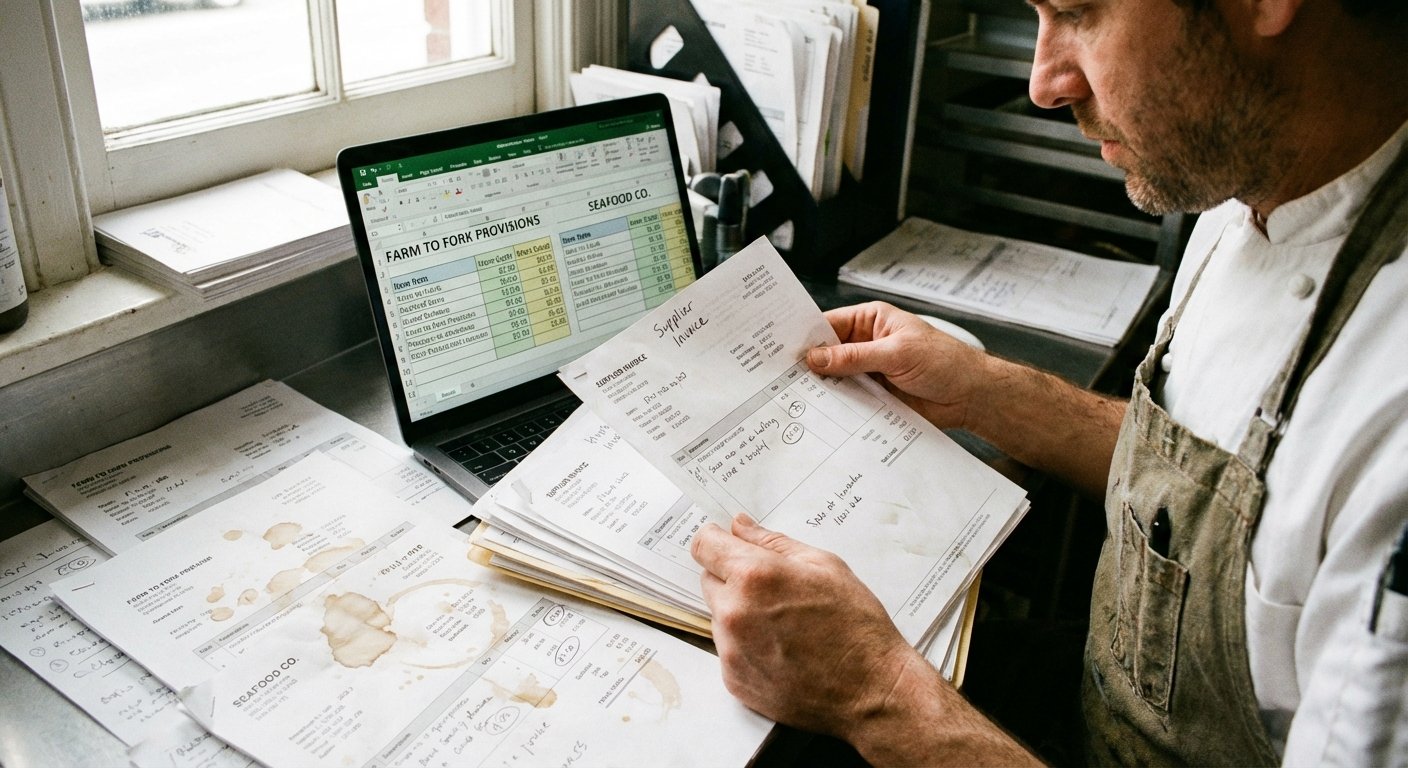
Ingredient Cost Tracking for Restaurants: Stay Ahead of Price Changes
Proactive ingredient cost tracking prevents margin erosion. Learn what to track, how often, and how to respond when prices spike — with a simple spreadsheet system.
Ingredient Cost Tracking for Restaurants: Stay Ahead of Price Changes
Ingredient cost tracking separates restaurants that react to margin problems from those that prevent them. Most operations discover price increases one of two ways: the invoice is larger than expected, or the accountant flags that food cost is up. Both are reactive — the damage is already done.
What to Track and How Often
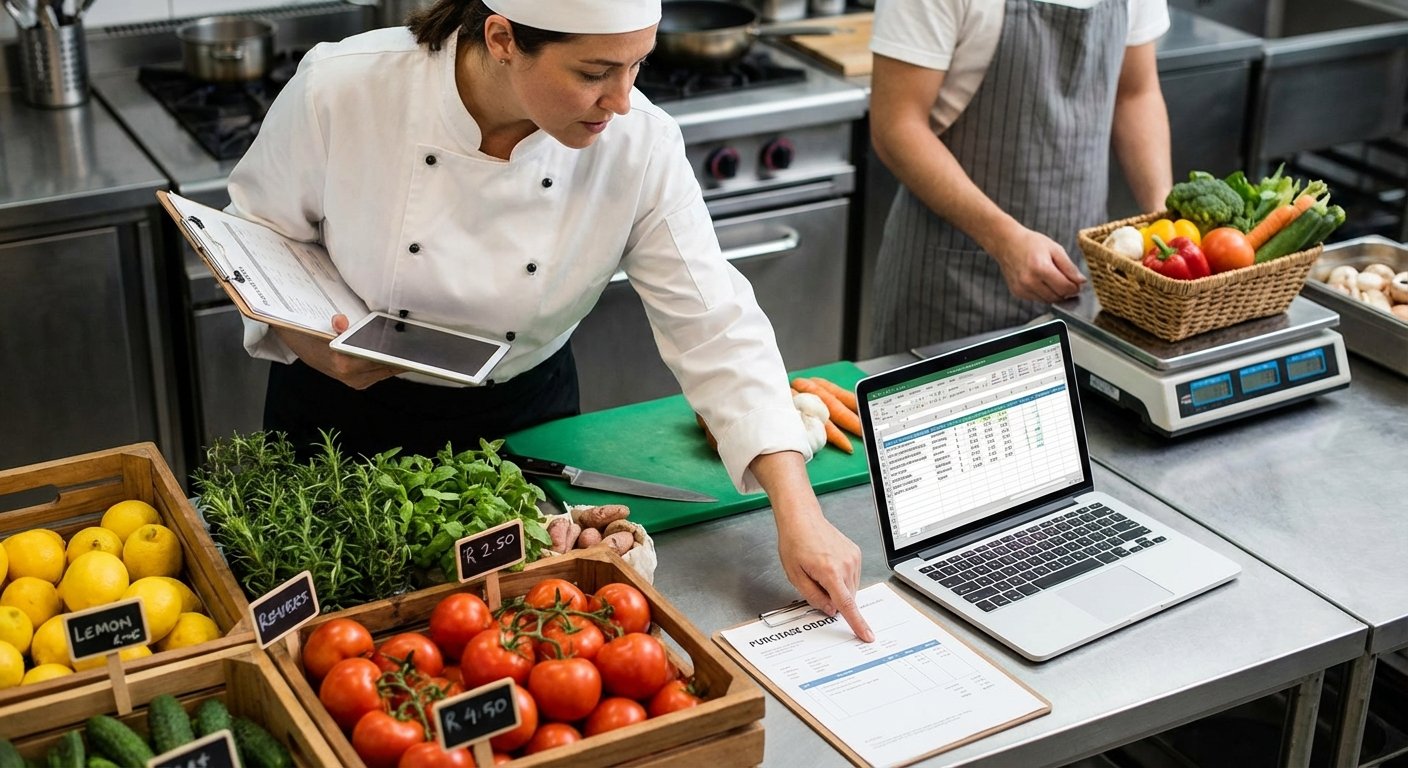
Weekly tracking (your top 10 by spend): Any ingredient that represents more than 1% of your total food spend should be monitored weekly. For most restaurants that's: proteins (beef, chicken, seafood), dairy, eggs, and 2–3 specialty items.
Track: price per purchase unit (lb, case, each), compared to last week and to your recipe cost baseline.
Monthly tracking (everything else): Pull all invoices for the month. Compare per-unit prices to the previous month. Flag anything up more than 5%.
Quarterly review: Full ingredient library review. Update all recipe costs. Reprice any dish now above food cost target.
Building a Simple Tracking Sheet
You don't need software. A spreadsheet works:
| Ingredient | Unit | Baseline $ | This Week $ | Change |
|---|---|---|---|---|
| Chicken breast | lb | $3.80 | $4.20 | +10.5% |
| Eggs | dozen | $2.40 | $4.10 | +70.8% |
| Heavy cream | qt | $3.20 | $3.50 | +9.4% |
The "Baseline $" is the price you used when you last set recipe costs. When "Change" exceeds 5%, that ingredient triggers a recipe cost update.

The Recipe Impact Analysis
When a key ingredient price changes, you need to know which dishes it affects and by how much.
Manual method: check every recipe that contains that ingredient, recalculate the affected plate cost, check new food cost %.
Software method: update the ingredient price once, and every recipe recalculates automatically. This is the core value of recipe costing software — not the initial calculation, but the ongoing maintenance.
How to Respond to Price Increases
Small increases (< 5%): Absorb into your margin buffer. Don't reprice immediately for small moves.
Medium increases (5–15%): Recalculate affected recipes. If any dish crosses your food cost target, add to the repricing queue for the next menu update.
Large increases (> 15%): Immediate response required. Options: reprice the dish now, sub out the ingredient, reduce portion slightly, or remove the dish temporarily.
The Egg Price Example
Egg prices roughly doubled in early 2025 due to avian flu outbreaks. Restaurants tracking ingredient costs weekly caught this immediately and could respond: raise prices on egg-heavy dishes, reduce egg usage where possible, or note "current market pricing" on the menu.
Restaurants that weren't tracking discovered it in their food cost report two months later — after absorbing several weeks of squeezed margins.
FAQ: Restaurant Ingredient Cost Tracking
How often should restaurants check ingredient prices?
Check your top 10 highest-spend ingredients weekly. Everything else monthly is sufficient. A quarterly full-library review keeps your recipe costs current even for slower-moving items.
What percentage change in ingredient price requires a menu price review?
A 5% or greater price change in a key ingredient should trigger a recipe cost recalculation. If the recalculation puts any dish above your target food cost %, add it to your repricing review queue.
Do I need software to track ingredient costs?
No — a well-maintained spreadsheet with a baseline column and a current-week column is sufficient for most independent operators. The discipline of updating it consistently matters more than the tool you use.
What is a recipe cost baseline and why does it matter?
Your baseline is the ingredient price you used when you last calculated and set your menu prices. Tracking changes against this baseline tells you how much your actual food cost has drifted from what your prices were designed to support.
Ready to take control of your food costs? Try CostLab free for 14 days →
Track Food Cost on Every Dish — Automatically
CostLab.AI calculates food cost percentage in real time. Update one ingredient price and see the impact across your entire menu instantly.
Start Free Trial →