Recipe Costing Software: What It Is, Why You Need It, What to Look For
Recipe costing software automates plate cost calculations across your entire menu -- so one ingredient price update flows through every recipe instantly. Here is what to look for and what it costs.
Recipe Costing Software: What It Is, Why You Need It, What to Look For
Recipe costing software solves one of the most painful problems in restaurant management: keeping plate costs current when ingredient prices change constantly. A spreadsheet requires manual updates on every affected recipe every time a price changes. Most operators do not do it -- which means their cost data is almost always out of date, and pricing decisions are built on stale numbers.
Recipe costing software centralizes ingredient prices. Change chicken breast from $4.80 per lb to $5.20 per lb once, and every recipe that uses chicken updates automatically.

What Recipe Costing Software Actually Does
Ingredient library: A central database of every ingredient with current price per unit, including unit conversion so you can enter costs in the same units as your invoices.
Recipe builder: Build dishes ingredient by ingredient -- the software calculates plate cost automatically, including yield and trim adjustments.
Food cost % per recipe: Instant food cost percentage against your menu price. Color-coding flags dishes above your target threshold.
What-if analysis: Change any ingredient price and see the impact across every recipe -- before you receive the invoice.
Menu engineering: Better tools rank dishes by food cost percentage and contribution margin, giving you the foundation for a full menu analysis.
The ROI of Accurate Recipe Costing
The math is straightforward. A restaurant doing $600,000 per year that improves food cost by 2 percentage points (from 32% to 30%) recovers $12,000 per year.
Recipe costing software costs $30-$200 per month. Payback period is typically weeks, not months -- for any restaurant doing meaningful volume.
What to Look For
Must-have features:
- Ingredient library with unit conversion
- Recipe builder with yield and trim adjustments
- Food cost % per recipe, updated automatically when ingredient prices change
- Price update propagation -- change once, update everywhere
Nice-to-have:
- What-if analysis for price modeling
- Menu engineering matrix
- Supplier price tracking and comparison
Pricing Tiers in the Market
| Tier | Monthly Cost | Best For |
|---|---|---|
| Free tools | $0 | Single-location, very simple menus |
| Entry-level | $29-50/mo | Independent restaurants, food trucks |
| Mid-market | $100-200/mo | Multi-location, complex menus |
| Enterprise | $300+/mo | Large groups, franchise operations |
Enterprise tools like Galley, Craftable, and MarketMan are overkill for most independent operators. Entry-level tools like CostLab are purpose-built for independents: fast setup, simple, and focused on the core features that actually move the needle.
Questions to Ask Before You Choose
- How long does initial setup take?
- Does it handle yield and trim loss in recipe calculations?
- Can I update one ingredient price and see it propagate through all recipes instantly?
- Is there a what-if tool for price modeling?
- What is the total cost over 3 years including any per-location fees?
Frequently Asked Questions
Is recipe costing software worth it for a small restaurant?
Yes. If you are a single-location operator spending $250,000 per year on food, recovering 2 percentage points is $5,000 per year. Entry-level software costs $360-$600 per year. The ROI is compelling even at modest volume.
Can I use a spreadsheet instead of recipe costing software?
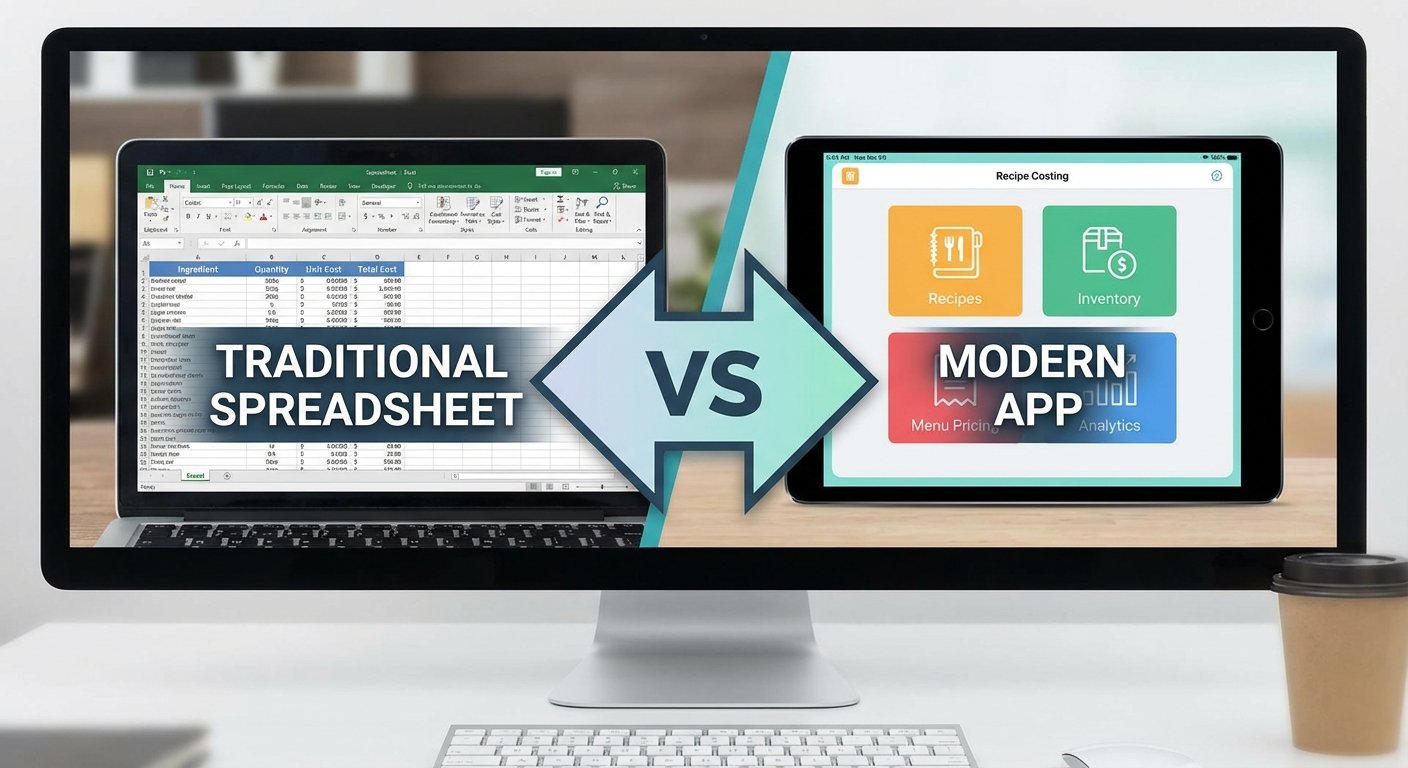
You can, but most operators do not maintain spreadsheets consistently when ingredient prices change. The key advantage of software is automatic propagation -- when you update a price, every recipe updates instantly. With spreadsheets, you have to remember to update each one manually.
How long does it take to set up recipe costing software?
For a simple restaurant with 30-50 menu items, expect 4-8 hours to enter your ingredient library and build your recipes. The time investment pays back quickly once you have current cost data.
What is the difference between recipe costing software and a full restaurant management system?
Recipe costing software focuses specifically on plate cost and food cost percentage calculations. Full restaurant management systems may include costing as a module, but dedicated costing tools are typically more accurate and easier to maintain for this specific function.
Ready to take control of your food costs? Try CostLab free for 14 days
Track Food Cost on Every Dish — Automatically
CostLab.AI calculates food cost percentage in real time. Update one ingredient price and see the impact across your entire menu instantly.
Start Free Trial →