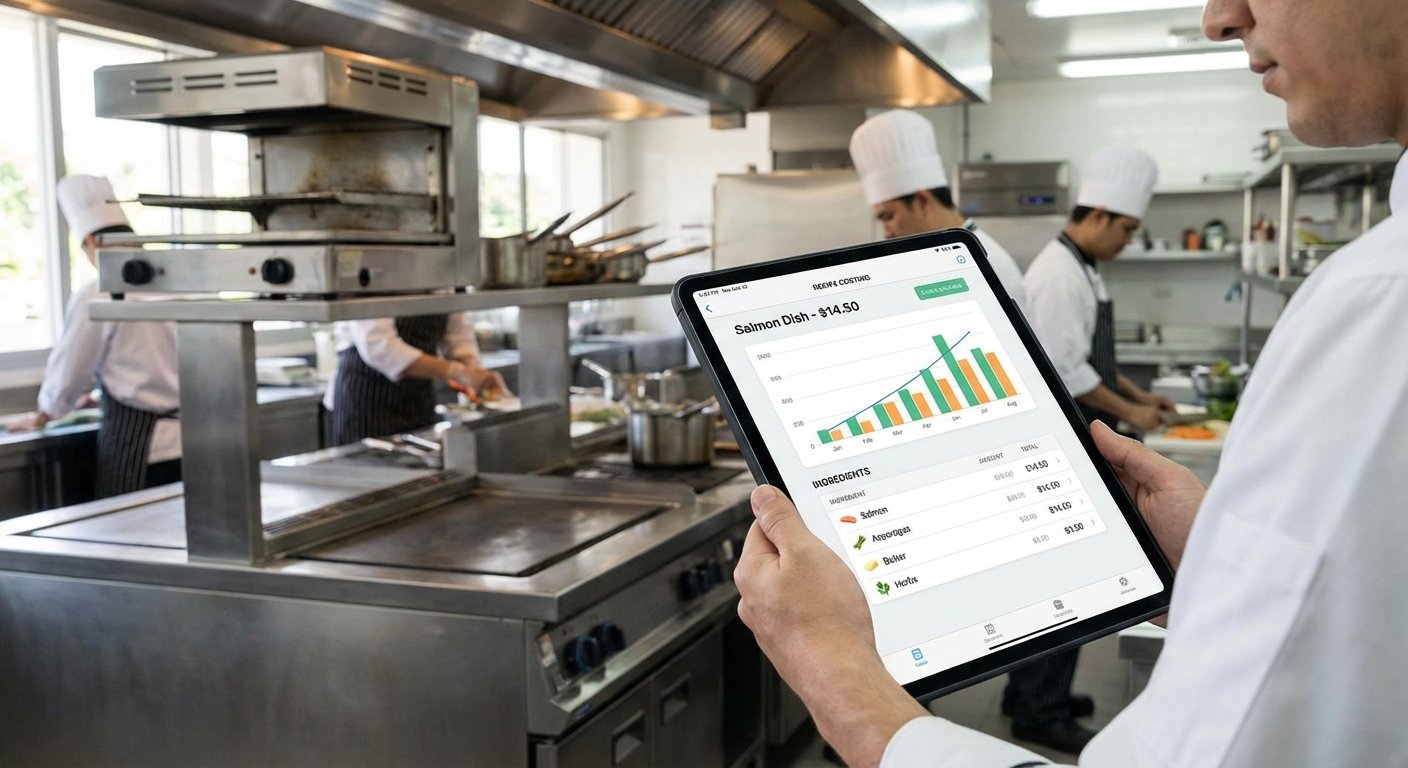
Restaurant Food Cost Calculator: Build One That Stays Accurate
Learn how a restaurant food cost calculator works, how to build one in a spreadsheet, avoid common errors, and when to upgrade to dedicated software.
Restaurant Food Cost Calculator: Build One That Stays Accurate
A restaurant food cost calculator takes your ingredient quantities and prices, applies unit conversions, accounts for yield loss, and returns a plate cost and food cost percentage. The math is simple — the hard part is keeping the inputs accurate.
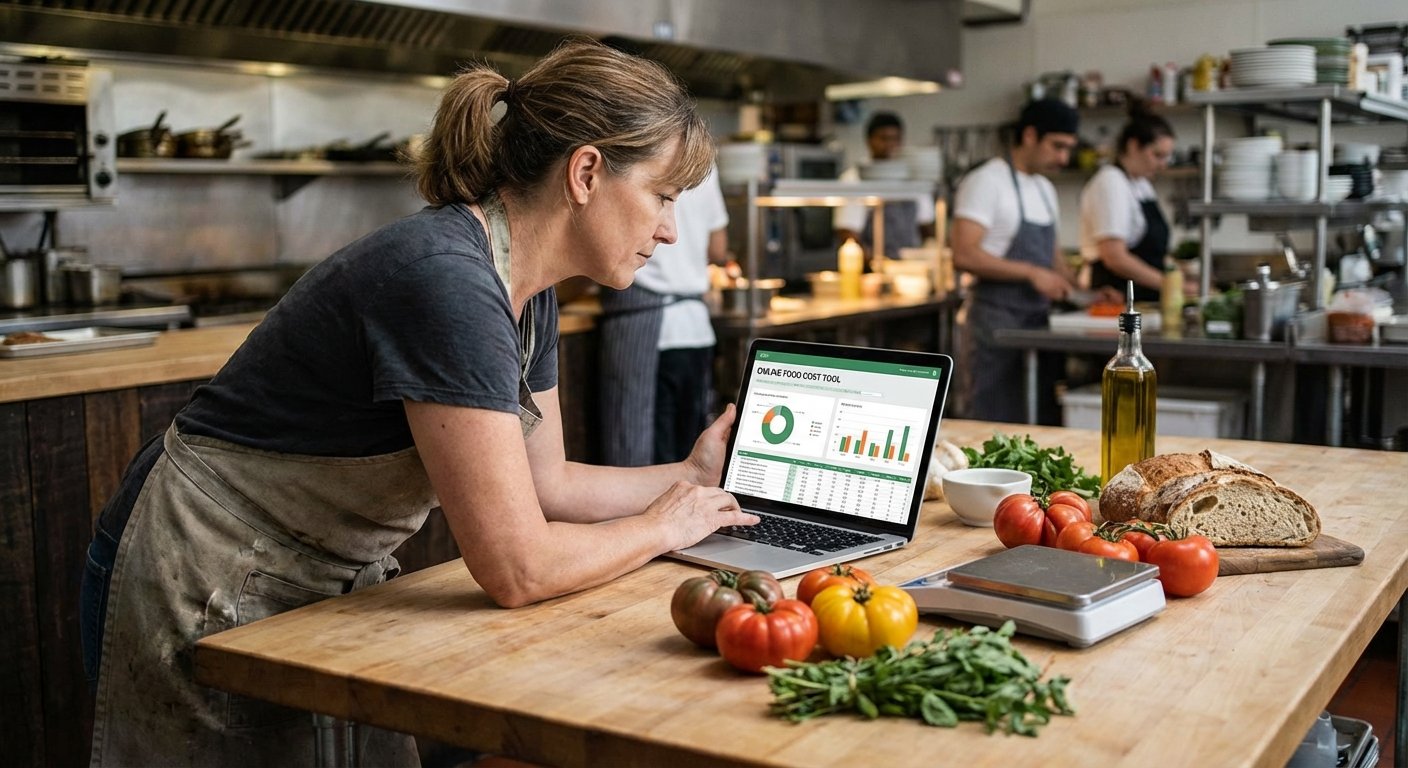
The Three Data Inputs That Drive Accuracy
1. Ingredient prices: What you're actually paying per unit from your supplier. Not the price from when you last updated the calculator — the current price.
2. Recipe quantities: How much of each ingredient goes into one portion, measured precisely. With yield adjustments applied.
3. Menu prices: Your current selling price. If you raise prices, the calculator needs to know.
Every food cost calculation is only as accurate as the least recently updated of these three inputs.
How to Structure a Spreadsheet Calculator
If you're building your own:
Sheet 1: Ingredient Library
| Ingredient | Unit | Purchase Price | Price per oz |
|---|---|---|---|
| Chicken breast | lb | $4.20 | $0.2625 |
| Eggs | each | $0.42 | — |
| Heavy cream | qt | $3.60 | $0.1125 |
Price per oz = Purchase Price ÷ (purchase unit weight in oz)
Sheet 2: Recipes For each dish, list ingredients with portion quantities in oz (or each). Reference price per oz from Sheet 1. Sum to get plate cost. Divide by menu price for food cost %.
Sheet 3: Dashboard List all dishes with plate cost, menu price, food cost %, and a flag (green/yellow/red) based on whether it's within your target range.
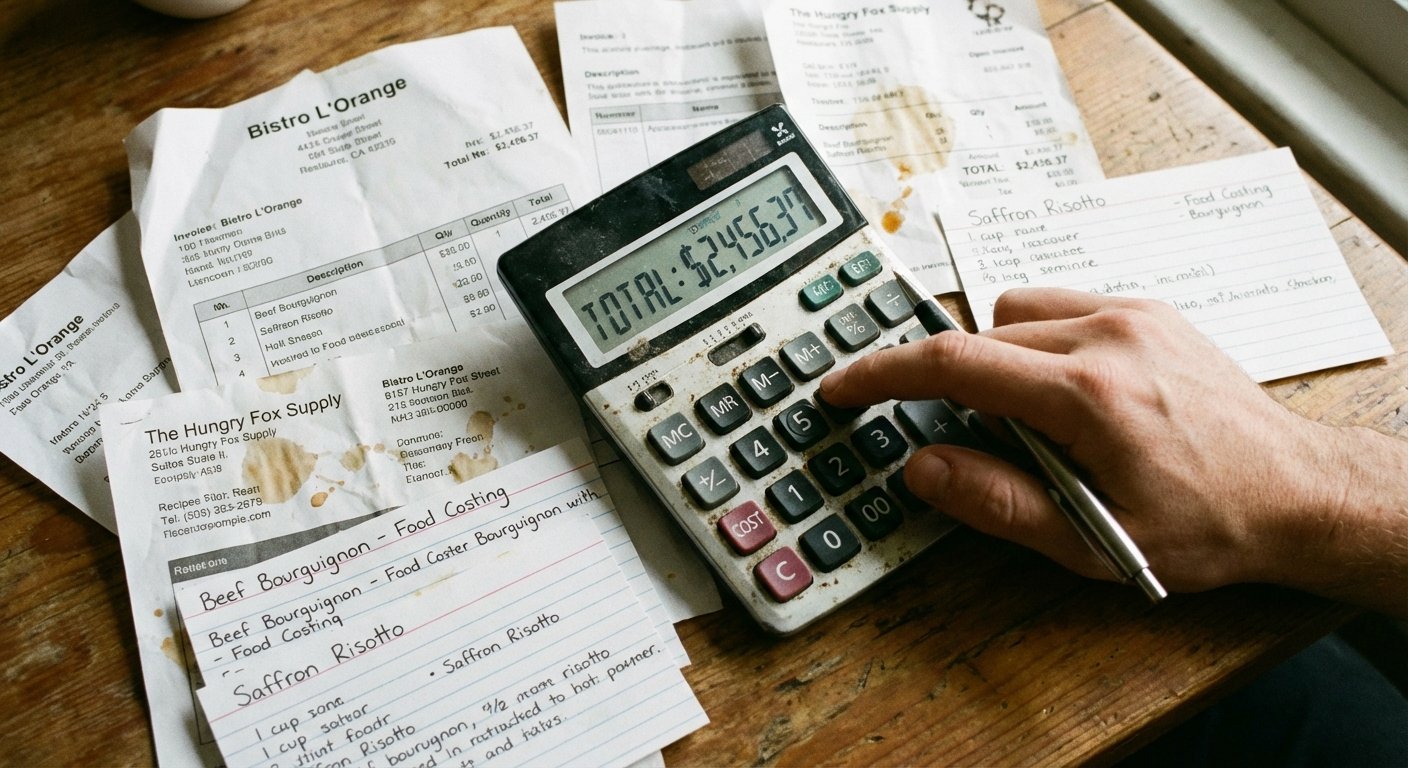
The Maintenance Problem (Why Most Calculators Fail)
A spreadsheet calculator built once and never updated is a false sense of security. The numbers look precise. They're wrong.
The discipline required:
- Update ingredient prices on Sheet 1 whenever a supplier invoice shows a change
- When you change a recipe, update the quantity on Sheet 2 immediately
- When you change a menu price, update Sheet 3
This is 5–10 minutes of work per change. Easy to skip. Critical to do.
When to Move Beyond a Spreadsheet
Move to dedicated software when:
- You have 50+ recipes with significant ingredient overlap
- Price updates are happening frequently and affecting many recipes
- You want automatic recalculation across all affected recipes when one price changes
- You need mobile access for kitchen use
The core value of recipe costing software isn't the initial calculation — it's automatic propagation. Change chicken breast from $4.20 to $4.60/lb and every recipe that uses chicken updates instantly.
Common Food Cost Calculator Errors
Using purchase weight for yield: If a 10lb case of salmon yields 8.5lbs of usable product, your cost per served oz is 18% higher than the invoice suggests.
Using case price directly: Convert to per-oz, per-each, or per-cup before entering into recipes.
Forgetting sauces and garnishes: These feel like minor costs. At 60–80 covers a night, they're not.
FAQ: Restaurant Food Cost Calculators
How do I calculate food cost percentage for a dish?
Food cost % = (Plate Cost / Menu Price) x 100. For example, if a dish costs $5.50 to make and sells for $22, the food cost is 25%. Most full-service restaurants target 28–35%.
What is a good food cost percentage for a restaurant?
It depends on your concept. Fine dining often runs 25–30%. Casual dining targets 28–35%. Fast casual can run higher, 30–38%. What matters most is consistency — know your target and track against it.
How often should I update my food cost calculator?
Update ingredient prices within 48 hours of receiving any supplier invoice with a price change. Update recipe quantities whenever a dish is reformulated. Monthly is too infrequent — costs shift faster than that.
What is the difference between theoretical and actual food cost?
Theoretical food cost is what your recipes say you should spend. Actual food cost is what you really spent (from inventory). The gap — your variance — reveals waste, portioning errors, and theft. A variance above 3% needs investigation.
Ready to take control of your food costs? Try CostLab free for 14 days →
Track Food Cost on Every Dish — Automatically
CostLab.AI calculates food cost percentage in real time. Update one ingredient price and see the impact across your entire menu instantly.
Start Free Trial →