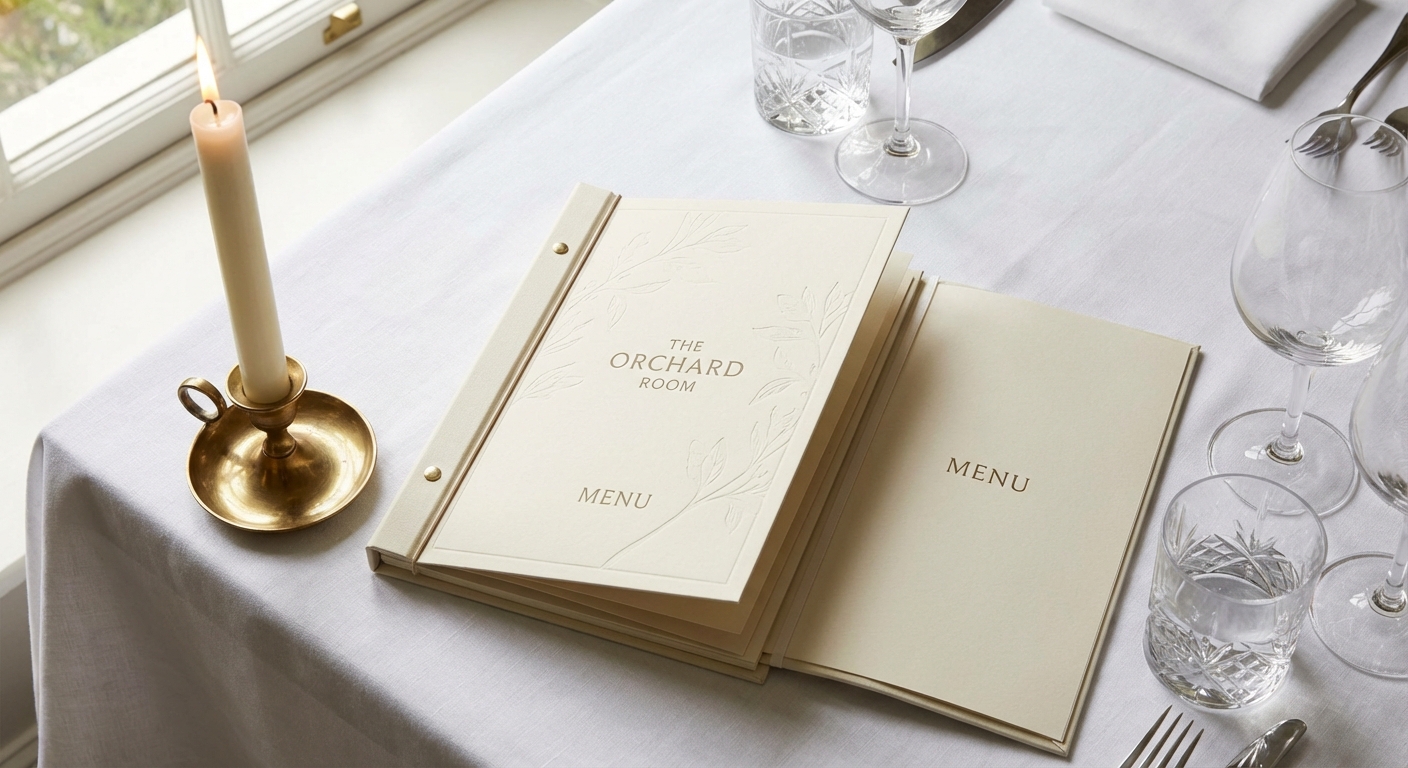
Restaurant Menu Design for Maximum Profit
Guests spend just 109 seconds reading a menu. Strategic menu layout, typography, and eye tracking can guide them toward your most profitable dishes. Here's how.
Restaurant Menu Design for Maximum Profit
Restaurant menu design is one of the most underused profit levers in the industry. Most operators treat the menu like a list — everything goes on it, prices are in a column on the right, the whole thing gets laminated. Done. That approach is leaving money on the table. Literally.
Research from Cornell University's Center for Hospitality Research found that guests spend an average of 109 seconds reading a restaurant menu. That's less than two minutes to guide someone toward your most profitable items. Menu design isn't graphic arts — it's salesmanship on paper.
How Guests Read a Menu: The Golden Triangle
When a guest opens a two-page menu, their eyes follow a pattern called the golden triangle:
- Center of the menu — first stop, gets the most attention
- Top-right — where eyes move second
- Top-left — third stop before scanning down
The implication is clear: your highest-margin dishes should live in those three positions. Your lowest-margin items belong in the bottom-left and lower sections where eyes drift last.
On a single-panel or trifold menu, the same logic applies: upper-center and upper-right sections get disproportionate attention. Design accordingly.
Using Boxes and Visual Anchors
The eye is drawn to things that look different. A box around a menu item immediately signals "this is special" — even if the only thing making it special is the box.
Use a single box or shaded section per menu category to highlight your best-margin item. One item per section. If you box everything, nothing stands out.
Other effective visual anchors:
- A small icon or illustration next to a featured item
- A shaded background on one section
- A slightly larger font size for featured dishes (2pt increase is subtle but effective)
- Photography — only if it's high quality; bad food photography reduces perceived value
Pricing Psychology: Remove Dollar Signs
One of the best-documented findings in menu research: removing dollar signs increases spend. The $ symbol activates pain-of-paying associations. When prices are listed as "28" instead of "$28.00," guests order more and feel better about it.
Additional pricing tactics:
- Avoid price columns. When prices line up on the right, guests scan the numbers and anchor to the cheapest option. Prices embedded in the description prevent column scanning.
- Use round numbers. In a restaurant context, $18 signals quality and confidence. $17.99 feels like a promotion — it can undercut premium positioning.
- Anchor with a high-priced item. A $62 seafood plateau makes your $34 fish entree look reasonable. You don't need to sell the anchor — it just shifts the reference point.
Menu Engineering: The Four Categories
Menu engineering categorizes every item into one of four groups:
| Category | High Popularity | Low Popularity |
|---|---|---|
| High Margin | ⭐ Stars | 🔵 Puzzles |
| Low Margin | 🐎 Plowhorses | 🐕 Dogs |
- Stars — high popularity, high margin. Feature prominently. Never remove them.
- Puzzles — high margin, low popularity. Promote these — better placement, better descriptions, server upsell focus.
- Plowhorses — popular but low margin. Consider price increases or recipe cost reductions.
- Dogs — low popularity and low margin. Candidates for removal.
Run this analysis quarterly using your POS sales data and recipe cost spreadsheet.
Descriptions That Sell
Generic descriptions don't sell dishes. Sensory, specific descriptions do.
Weak: "Grilled Salmon — served with vegetables and lemon"
Strong: "Wild-caught Pacific salmon, grilled over hardwood, with roasted heirloom carrots, brown butter, and a squeeze of preserved lemon"
Research shows longer, more descriptive menu copy increases sales of featured items by 27% (Cornell Hospitality Research). Elements that trigger appetite response:
- Origin words ("farm-raised," "wild-caught," "house-made," "local")
- Cooking method details ("slow-braised," "wood-fired," "hand-rolled")
- Texture cues ("crispy," "silky," "tender")
Typography and Readability
- Minimum font size: 11pt for body text, 13pt for item names
- Serif fonts (Georgia, Garamond) are more readable in print for long descriptions
- Contrast: Dark text on light background. Light on dark only works with high contrast.
- Avoid ALL CAPS for descriptions. Harder to read and feels aggressive. OK for category headers.
- White space is your friend. A packed menu feels overwhelming.
How Often Should You Update Your Menu?
Seasonal changes (every 90 days) are standard. At minimum:
- Review menu engineering data quarterly
- Update pricing when food costs shift 3–5 percentage points
- Retire Dogs after a 90-day promotion period fails to improve them
- Introduce 2–3 new items per season to maintain guest interest
Frequently Asked Questions
How many items should a restaurant menu have?
Research consistently shows 20–35 items outperforms 50+. Fewer items reduce food cost, waste, and prep complexity while improving execution quality.
Does menu design really impact sales?
Yes. Cornell research found specific menu engineering interventions increased restaurant revenue by 5–15% without other changes.
Should I include photos on my restaurant menu?
Only if professionally shot and accurate. Poor photography reduces perceived quality. Descriptions alone outperform mediocre photos.
How do I find out which menu items are most profitable?
You need both POS sales data (how many sold) and recipe cost data (what each costs to make). Gross margin = (price − recipe cost) × units sold.
What's the ROI of a professional menu redesign?
A well-executed redesign costs $500–$3,000 (design + printing) and can improve revenue by 3–8%. That's often a 5:1 or better return in the first year.
Ready to take control of your food costs? Try CostLab free for 14 days →
Track Food Cost on Every Dish — Automatically
CostLab.AI calculates food cost percentage in real time. Update one ingredient price and see the impact across your entire menu instantly.
Start Free Trial →